


AFKSpin App
The AFK Spin app delivers comprehensive casino access optimized for smartphones, tablets, and desktop computers through Progressive Web App technology. This modern approach eliminates cumbersome downloads while maintaining instant access to our complete game portfolio, secure banking, and real-time support features. Whether you prefer mobile convenience or desktop performance, the AFKSpin application adapts seamlessly to your device, ensuring consistent quality across every platform. Our PWA architecture keeps your gaming environment current through automatic updates without manual intervention.



AFK Spin App Mobile
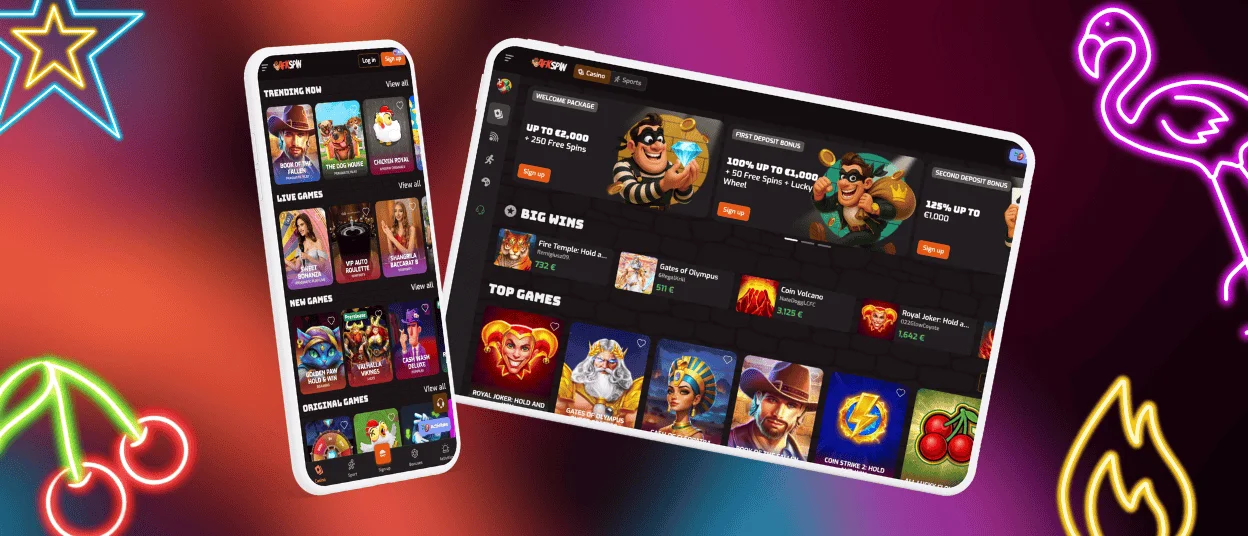
Mobile gaming through the AFK Spin app prioritizes portability and instant accessibility, allowing you to engage with casino content during commutes, breaks, or anywhere with internet connectivity. The streamlined interface condenses desktop layouts into touch-optimized menus, reducing navigation complexity while preserving full functionality. Game loading speeds benefit from mobile-specific optimization that compresses graphics without sacrificing visual quality, ensuring smooth performance even on moderate network connections. Battery consumption remains minimal through efficient resource management that prevents excessive background processes.
However, mobile screens inherently limit the visual scope compared to desktop monitors – table games with intricate betting layouts may require zooming or scrolling to access all wagering options, and slot games display fewer simultaneous interface elements. Multi-tabling in live casino sections becomes challenging on smaller displays where managing multiple game windows simultaneously proves impractical. Despite these spatial constraints, mobile gameplay compensates through unmatched flexibility, enabling spontaneous gaming sessions without requiring dedicated desk space or device setup time.
Touch controls replace mouse precision, which most players find intuitive for slot spins and simple bets but occasionally less precise for detailed table game actions like chip placement on specific roulette numbers. The mobile experience excels for casual sessions and quick game rounds, while extended tournament participation or complex strategy games may benefit from desktop’s expanded screen real estate and peripheral input devices. Biometric authentication options on compatible smartphones – fingerprint and facial recognition – provide faster login alternatives compared to manual password entry on desktop.
AFK Spin App – iOS
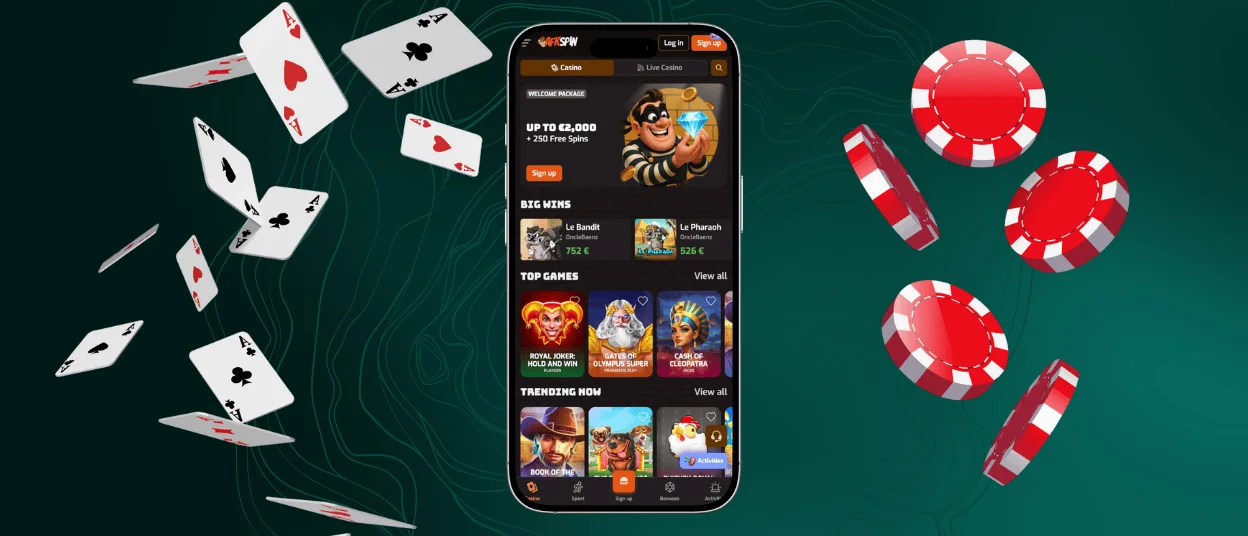
Apple device owners access the AFKSpin app through Safari’s native PWA capabilities, creating a home screen icon that launches the casino environment with a single tap. The iOS version delivers a premium mobile casino experience tailored specifically for iPhone and iPad devices, offering:
- Simple Installation Process: Open AFKSpin Casino in Safari, tap the share icon, select “Add to Home Screen” to generate a dedicated launcher icon
- Native App Experience: Operates independently with its own navigation interface, eliminating browser toolbars that consume screen space
- Metal Framework Acceleration: Graphics rendering utilizes Apple’s Metal technology for smooth animations and high-fidelity visuals
- Optimized Touch Controls: Interface elements scaled appropriately for iOS touch input with precise gesture recognition
- Complete Game Library: Full access to slots like Cash of Cleopatra by Jacks, Royal Joker: Hold and Win by Playson, Sic Bo by ICONIC21, plus all live dealer games
- Apple Security Standards: Encrypted connections satisfying Apple’s stringent security requirements with certificate validation
- Persistent Login States: Maintains session between app launches while respecting iOS background management protocols
- Battery Efficiency: App suspends during inactivity to conserve power, resumes instantly when reopened
- Overlay Live Chat: Support interface accessible without interrupting active gameplay
- Wide Compatibility: Functions on iPhone models and iPad devices running iOS 12 or newer
- Identical Transaction Processing: Same verification procedures and payment security as desktop platform
The iOS implementation capitalizes on Apple’s ecosystem integration, delivering performance that mirrors desktop functionality within mobile form factors. Whether you’re spinning slots on an iPhone during lunch breaks or managing live table sessions on an iPad at home, the AFK Spin app maintains consistent quality across Apple’s hardware lineup.
AFK Spin App – Android
Android users benefit from the AFKSpin app’s lightweight PWA architecture that bypasses traditional APK installations and their associated storage demands. Accessing the application requires visiting AFKSpin Casino in Chrome or another compatible browser, then tapping the “Casino App” button that triggers the add-to-home-screen prompt. This method circumvents Play Store restrictions on real-money gambling apps in certain regions while delivering equivalent functionality through browser-based technology.
The Android version emphasizes minimal resource consumption, utilizing under 5MB of storage compared to typical casino APK files that exceed 100MB with their bundled assets. Background processes remain dormant when the app isn’t actively running, preserving battery life during extended periods between gaming sessions. Automatic updates occur transparently whenever you launch the application, pulling the latest features and security patches from AFKSpin’s servers without requiring manual update checks or confirmations.
Gameplay performance scales according to device capabilities – flagship phones with powerful processors render graphics at maximum quality settings, while budget models adjust resolution and effects dynamically to maintain smooth frame rates. The interface adapts to various screen sizes and aspect ratios common across Android’s diverse hardware ecosystem, ensuring usability whether you’re using a compact phone or a large-screen tablet. Payment methods integrate with Android’s autofill features for accelerated deposit processes, and fingerprint authentication on supported devices expedites login procedures.
AFKSpin APK
While AFKSpin primarily distributes its mobile application through PWA technology, the term “AFKSpin APK” often refers to the installable package equivalent embedded within our Progressive Web App framework. Traditional APK files present security vulnerabilities when sourced from unofficial third-party websites, as modified versions may contain malicious code designed to compromise user data or financial information. Our PWA approach eliminates these risks by delivering the application directly from AFKSpin’s verified servers through your device’s browser, ensuring authenticity without relying on external download sources.
The PWA effectively functions as a dynamically loaded APK that updates in real-time, providing the convenience of installed applications without the storage overhead or security concerns. Users seeking a traditional downloadable APK should recognize that AFKSpin does not officially distribute separate installation files – any APK claiming AFKSpin origin from sources outside our official website poses potential security threats. The Progressive Web App model represents modern best practices in mobile casino distribution, combining app-like experiences with web-based security and automatic version control that protects users from outdated software vulnerabilities.
AFKSpin Casino App – Desktop and Supported Browsers
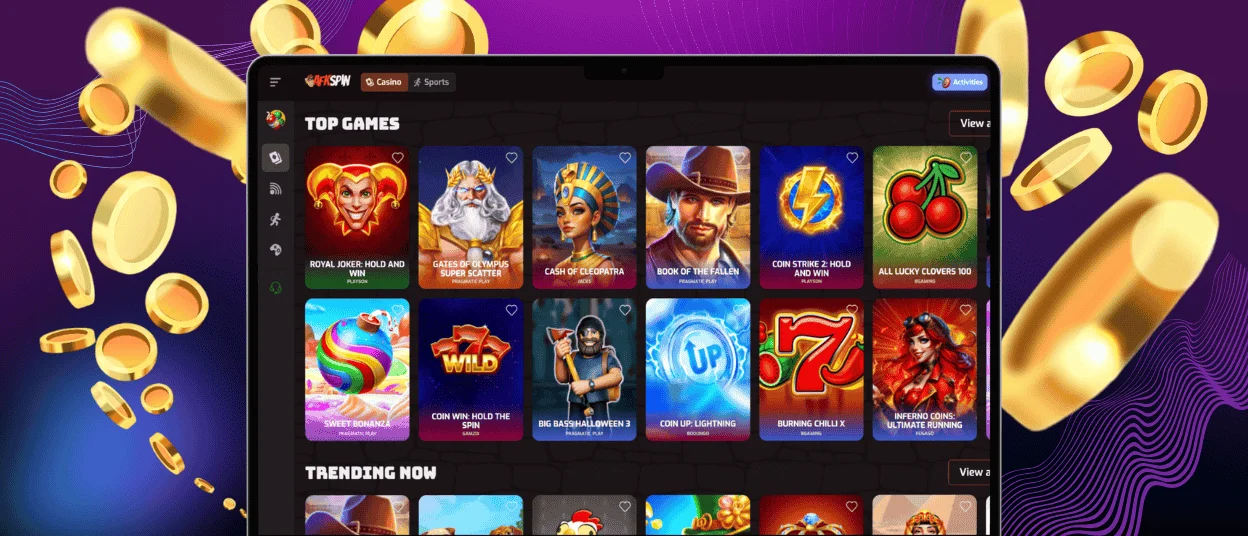
Desktop access to the AFK Spin app delivers maximum visual fidelity through high-resolution graphics rendering optimized for larger displays. Windows and macOS users can launch the casino through standard web browsers, with installation involving a simple visit to AFKSpin Casino, accessing browser menu options, and selecting “Install” or “Create Shortcut” to generate a dedicated launcher icon. This creates a standalone window without browser navigation bars, providing an immersive gaming environment.
The desktop experience capitalizes on superior processing power and screen space, displaying game interfaces at their intended dimensions without mobile compromises. Multi-game sessions become practical through tabbed windows or multiple monitor setups, allowing simultaneous participation in tournaments, live tables, and slot play. Keyboard shortcuts and mouse precision enhance navigation speed and betting accuracy, particularly valuable for complex table games requiring specific chip denominations or betting pattern execution.
| Browser | Windows Support | macOS Support | Key Features | Performance Notes |
| Google Chrome | Full compatibility | Full compatibility | Chromium foundation, PWA install support, hardware acceleration | Optimal performance, consistent rendering, recommended primary choice |
| Microsoft Edge | Native integration | Full compatibility | Chromium-based, Windows ecosystem optimization, resource efficiency | Excellent Windows performance, lower memory usage than Chrome |
| Mozilla Firefox | Full compatibility | Full compatibility | Independent engine, enhanced privacy features, customizable interface | Equivalent functionality, slightly different resource allocation patterns |
| Safari | Not applicable | Native integration | Deep macOS integration, Metal rendering, energy efficiency | Best macOS performance, may trail in adopting newest web technologies |
All supported browsers maintain identical security protocols through the AFKSpin app, including 256-bit SSL encryption and secure payment gateway integration. Live chat support persists in a corner overlay across all browser choices, while account management features present more detailed information simultaneously compared to mobile’s sequential menu system. Browser selection impacts performance marginally – Chromium-based options (Chrome, Edge, Opera, Brave) deliver the most consistent results, while Firefox offers equivalent functionality with its independent Gecko engine, and Safari provides optimal integration within Apple’s macOS environment.
FAQ
How do I fix loading or connection issues in the app?
Connection problems typically stem from unstable network conditions or cached data conflicts. Begin troubleshooting by closing the AFK Spin app completely and verifying your internet connection strength – weak signals cause intermittent loading failures. Clear your browser’s cached files and cookies through settings, as corrupted stored data sometimes prevents proper resource loading. Restart your device to refresh network configurations and close background processes that may be consuming bandwidth.
Where can I download the AFK Spin Casino app from a trustworthy source?
The only legitimate source for the AFKSpin app is our official website at AFKSpin Casino’s primary domain. Navigate directly to the site through your browser, where you’ll find the “Casino App” or installation prompt displayed prominently on the homepage. Never download APK files or application installers from third-party websites, app repositories, or file-sharing platforms, as these sources frequently distribute modified versions containing malware or data-harvesting code. Our PWA technology eliminates the need for traditional download files by installing directly through your browser’s built-in functionality, guaranteeing authenticity and security.
Does the app use the same security measures as the website?
Yes, the AFK Spin app implements identical security infrastructure as the desktop website, utilizing 256-bit SSL encryption for all data transmissions between your device and our servers. Account credentials, financial transactions, and personal information receive the same cryptographic protection regardless of access method. The PWA architecture inherits your browser’s security features, including certificate validation and secure connection protocols, while adding casino-specific safeguards like manual withdrawal verification and KYC authentication. Automatic updates delivered through the PWA system ensure you’re always protected by the latest security patches without exposure to outdated software vulnerabilities.
How can I contact support from within the app?
Live chat support remains accessible throughout your entire AFKSpin app experience via a persistent chat icon typically positioned in the lower corner of the screen. Tapping this icon opens a messaging interface where you can describe your issue to available support agents who respond in real-time during operating hours. The chat window overlays your current screen without interrupting active gameplay, allowing you to continue playing while awaiting responses. For non-urgent inquiries, email support options appear in the account menu under help or contact sections, where you can submit detailed messages with attached screenshots if necessary.


